


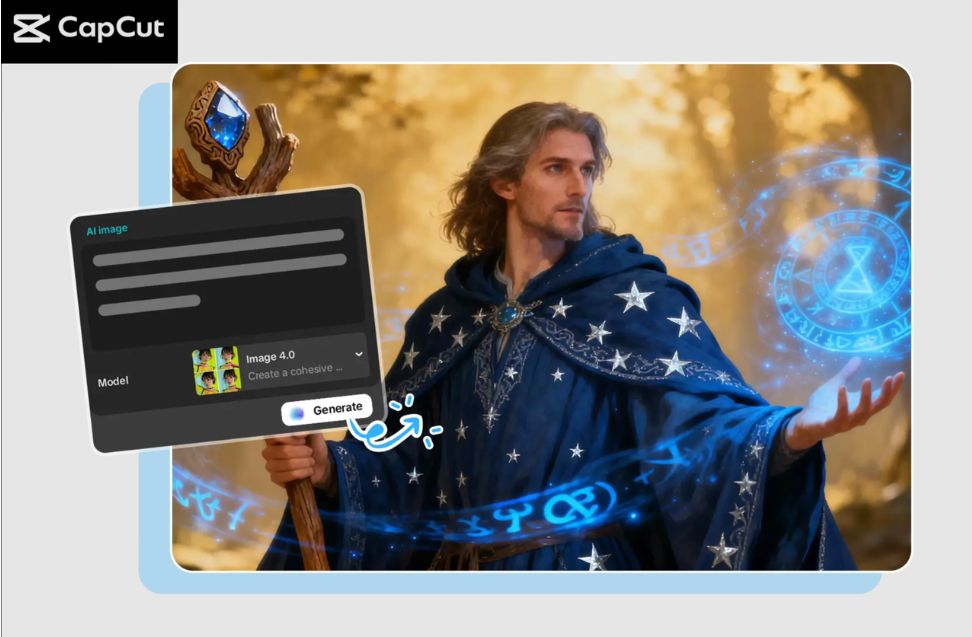
Production of eye-catching product mockups is critical to e-commerce brands wishing to draw attention via the Internet. Be it the sale of clothes, accessories, cosmetics, or electronic products, photos are essential in persuading clients to believe in your brand. As the number of tools changes rapidly, CapCut PC has become one of the simplest tools for transforming ideas into high-quality mockups.
CapCut’s built-in AI image generator helps bloggers, sellers, and designers create professional product displays without investing in expensive software. Besides, when you are constructing branded designs, you can also play around with its AI logo generator to produce similar logos to your mockups.
Why Use CapCut PC for E-Commerce Product Mockups?
CapCut PC is usually associated with video editing; however, its developing AI capabilities make it a potent e-commerce branding and visual-generating instrument. That is why online sellers are fond of CapCut:
- Create Customized Mockups with AI
CapCut is able to generate AI-based custom scenes instead of using generic templates provided by other mockup sites. Special backgrounds, product stands, effect lighting, and themed backgrounds can easily be created with a short prompt and tailored to your needs in regard to branding.
- Save Time and Reduce Expenses
It can be very costly to hire designers or even find mockup bundles. CapCut allows you to create unlimited visual content that allows small businesses to have a professional online presence at a small price.
- Multiple AI Models for Different Styles
The models proposed by CapCut, such as Seedream, Nano Banana Pro, and Flux 1.1 Pro, have a range of stylistic outputs, except for minimalistic studio set-ups with creative lifestyle mockups. This assists e-commerce brands in developing images that suit their niche.
- High-Resolution Outputs for Platforms
The images needed are high-quality images on e-commerce platforms like Shopify, Etsy, and Amazon. CapCut also enables 4K and even 8K exports, and the product mockups will appear to be sharp and professional.
- Built-In Branding Support
CapCut tools have an easy way to add logos, watermarks, and iconography, thanks to built-in branding tools and its dedicated AI logo generator, and will make your product listings look more accurate and credible.
Three Operational Steps to Make Product Mockups Using CapCut PC
Step 1: Open the CapCut Desktop
First, download CapCut Desktop and log in to your account. On the home screen, there will be an option to create a project, which will open a blank workspace where you will design your product mockups. The easy-to-use interface shows your tools on the left, the preview area in the middle, and settings on the right. The interface gives you full control from the moment you start.
Step 2: Create an AI image
Go to Media → AI Media. Enter a prompt such as “minimalist product display with soft lights or realistic skincare mockup on marble table or t-shirt mockup on wooden hanger. Choose an AI model, such as Nano Banana Pro, Seedream, or Flux 1.1 Pro. To be more precise, post reference images to be guided when it comes to style. Select an aspect ratio that you want and press Regenerate to generate variations. Choose the one that suits your vision and improve it with the help of AI editing instruments of CapCut.
Step 3: Export and share
After you have made and perfected your product mockup, click the three horizontal lines above the preview panel, choose Export, select your resolution (4K or 8K), name your file, and export the final mockup. Click on the option of combining still frames and name your file, then select high resolution, such as 4K or 8K, and select the export option. And now you can put the finishing touches on your preliminary mockup and post it on your online store or advertising content.
Tips for Creating More Effective Product Mockups
Your mockups can create a visual impression on your customers, which can affect their perception of your products. The following are the tips that can be used to make e-commerce visuals appealing:
Match the Mockup Style to Your Brand
When you are selling luxurious goods, select refined backgrounds- marble textures, light forms of shadows, or minimalist-looking, big empty rooms.
In the case of products that are handmade or eco-friendly, choose a natural texture such as wood, linen, or vegetation.
Use Clear, Direct Prompts
Indicate such significant information as light (soft diffused light), surface (white matte platform), or setting (outdoor sunlight). The deeper the information that you give, the more AI knows your vision.
Combine Real Product Photos with AI Backgrounds
Backgrounds of actual product captures can also be removed in CapCut and superimposed onto what an AI has created to look more natural and real.
Maintain Consistency Across All Product Listings
Similar color tones, lighting, and style are also used to create a familiar brand identity. It also deserves for your store to look more professional.
Add Branding Elements
With CapCut’s AI tools, you can design branded stickers, seals, badges, or watermarks using the CapCut options.
Create Multiple Angles and Variations
Customers of e-business desire to have choices. Mockups: Make front-view, close-up, flat-lay images of every product with CapCut.
Why CapCut Is a Game-Changer for Small Businesses
Product photography can be challenging for small businesses, especially in the early stages. CapCut removes these barriers by enabling anyone to create professional-quality visuals within minutes. When AI is doing creative heavy lifting, we will have time to market, service customers, and develop products.
CapCut PC offers:
- Unlimited mockup creation
- Scenes built by AI can be customized.
- High-resolution output
- Easy editing tools
- Visual identity and support Branding.
You sell clothes, cosmetics, digital art, jewelry, or lifestyle products, and CapCut provides everything to help compete on the next level in terms of the way your product is presented.
Final Thoughts
There is no longer any need to have a full studio set up, pricey gear, or sophisticated design capabilities to produce gorgeous mockups. Using the CapCut PC image editing features, which are powered by AI, you can create attractive product displays within a few minutes so that you can increase your sales and gain more customers. Using three easy steps of operation: opening up CapCut, creating AI images, and exporting your visuals, you can make your e-commerce listing look more professional and, as a result, make it stand out.
From AI-generated backgrounds to branding tools, CapCut serves not only as an AI image generator but also as a complete creative assistant for building your store’s visual identity. And in case you are willing to change the appearance of your e-commerce and build up your product list, CapCut PC cannot be left out of your production.